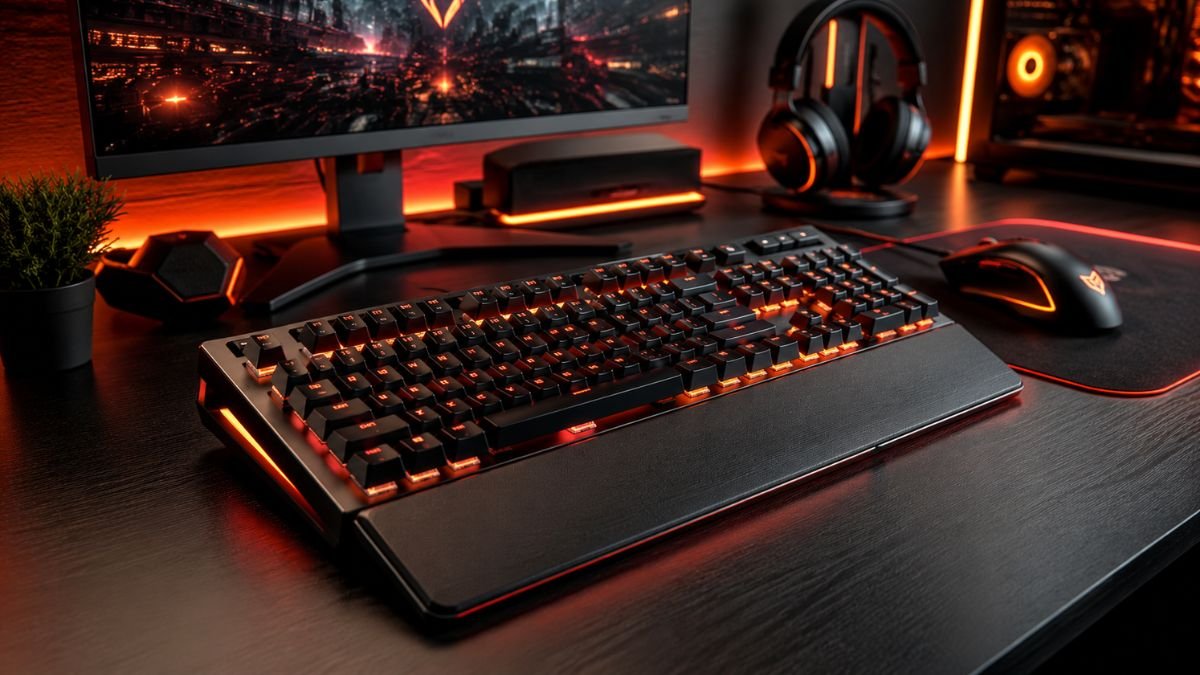
A gaming keyboard buying guide helps gamers choose the right keyboard based on switch type, responsiveness, build quality, and gaming style.
The best gaming keyboard depends on factors such as mechanical switches, latency, customization options, ergonomics, and compatibility with your preferred games.
Choosing a gaming keyboard can be surprisingly difficult. With hundreds of models available, gamers often face confusing specifications, marketing buzzwords, and dozens of switch options that all claim to improve performance.
The gaming peripherals market continues to grow rapidly. According to the Statista Gaming Market, gaming hardware and accessories remain one of the fastest-growing segments of the gaming industry.
As more players invest in gaming setups, keyboards have become one of the most important components for both casual and competitive gaming.
A gaming keyboard is also one of the key elements of complete gaming setup accessories, working alongside other components that improve comfort, organization, and overall gaming experience.
A gaming keyboard directly affects responsiveness, comfort, and overall gameplay experience. Whether you’re playing fast-paced FPS titles, strategy games, MMOs, or competitive esports, selecting the right keyboard can make gaming more enjoyable and efficient.
This gaming keyboard buying guide explains the key factors to consider before purchasing your next keyboard.
Why Your Gaming Keyboard Matters
Many players focus heavily on their graphics card or gaming monitor while overlooking the keyboard they use every day.
A gaming keyboard influences:
- Input speed
- Comfort
- Precision
- Durability
- Customization
- Long-term usability
For competitive gamers, reliable input performance is especially important during intense gameplay.
A gaming keyboard is a keyboard designed to provide faster response times, improved durability, customizable features, and enhanced gaming performance compared to standard office keyboards.
Mechanical vs Membrane Keyboards
One of the first decisions involves choosing between mechanical and membrane keyboards.
For a detailed comparison of both technologies, read our guide to Mechanical vs Membrane Keyboard: Which One Is Better?
Mechanical Keyboards
Mechanical keyboards use individual switches beneath each key.
Advantages include:
- Faster actuation
- Better tactile feedback
- Longer lifespan
- Easier customization
Most gaming enthusiasts prefer mechanical keyboards due to their consistency and responsiveness.
Membrane Keyboards
Membrane keyboards use pressure pads instead of individual switches.
Benefits include:
- Lower cost
- Quieter operation
- Lightweight design
However, they generally provide less precise feedback than mechanical alternatives.
Comparison Table
| Feature | Mechanical Keyboard | Membrane Keyboard |
|---|---|---|
| Durability | Excellent | Moderate |
| Response Time | Fast | Moderate |
| Customization | High | Low |
| Price | Higher | Lower |
| Gaming Performance | Excellent | Good |
| Lifespan | Long | Shorter |
For most gamers, mechanical keyboards offer the best overall experience.
Understanding Keyboard Switch Types
Switch selection is often the most important part of a gaming keyboard buying guide.
To understand how linear, tactile, and clicky switches differ, see our guide to Mechanical Keyboard Switches Explained: Red vs Blue vs Brown.
Linear Switches
Linear switches provide smooth movement without tactile bumps.
Popular for:
- FPS games
- Competitive gaming
- Fast reactions
Examples include Cherry MX Red and similar variants.
Tactile Switches
Tactile switches provide noticeable feedback during activation.
Ideal for:
- Mixed gaming and typing
- Productivity
- Strategy games
Clicky Switches
Clicky switches add both tactile feedback and audible clicks.
Best for:
- Typing enthusiasts
- Users who enjoy audible feedback
They may not be suitable for shared environments due to noise.
According to information from Cherry MX Official Guide, different switch types are designed to support varying preferences and usage styles.
Key Features to Look For
RGB Lighting
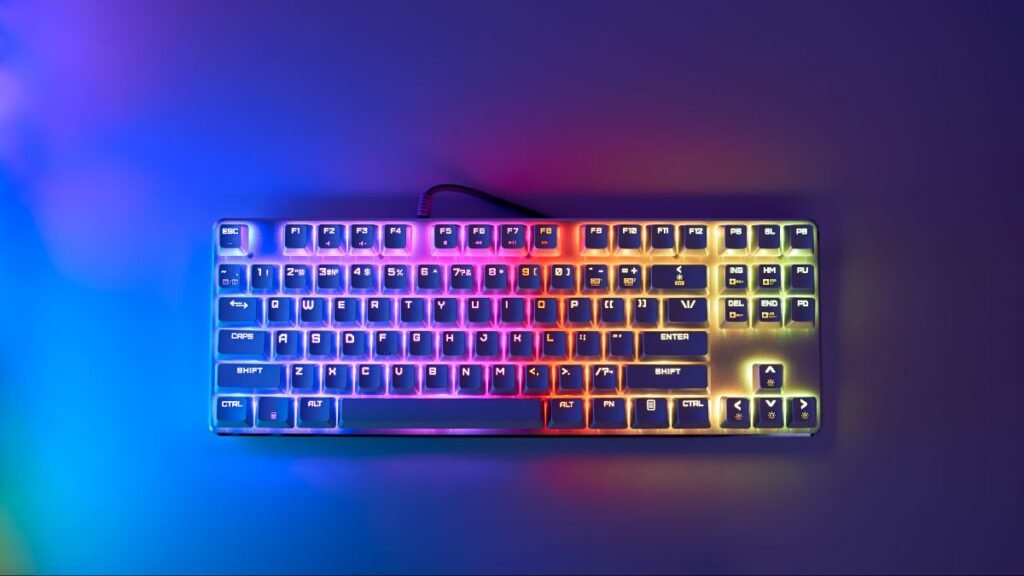
RGB lighting remains one of the most popular gaming keyboard features.
For a closer look at RGB, rollover, response times, and other technologies, see our guide to Gaming Keyboard Features Explained: Beginner Guide.
Benefits include:
- Improved aesthetics
- Personalized setups
- Better visibility in low light
While RGB does not improve gameplay directly, it contributes to the overall gaming experience.
Anti-Ghosting and N-Key Rollover
These technologies ensure multiple key presses register correctly.
This is particularly useful in:
- Competitive games
- MMOs
- Fast-paced action titles
Dedicated Media Controls
Media controls provide convenient access to:
- Volume adjustment
- Playback controls
- Quick settings
Programmable Keys
Custom macros can improve efficiency in certain games.
Choosing a Keyboard Based on Gaming Style
Different game genres benefit from different keyboard characteristics.
FPS Games
Recommended features:
- Linear switches
- Low latency
- Compact layouts
MMO Games
Recommended features:
- Programmable macro keys
- Full-size layouts
- Extensive customization
Strategy Games
Recommended features:
- Tactile switches
- Comfortable layouts
- Reliable key registration
Choosing a Keyboard for Gaming and Everyday Use
Many users do not have separate keyboards for gaming and daily activities. In these cases, versatility becomes an important factor.
A balanced gaming keyboard can provide:
- comfortable typing;
- suitable gaming features;
- reliable construction;
- useful customization options.
Users who also work, study, write, or create content may prefer a layout that provides more functionality instead of focusing only on gaming features.
Users who combine gaming with professional tasks may also benefit from exploring AI productivity gadgets designed to improve digital workflows.
A keyboard should fit your complete computer experience, not only your gaming sessions.
Keyboard Sizes Explained
Gaming keyboards are available in several sizes.
Full-Size Keyboards
Include:
- Function keys
- Arrow keys
- Numeric keypad
Best for users who want maximum functionality.
Tenkeyless (TKL)
Removes the numeric keypad.
Advantages:
- More mouse space
- Compact design
- Popular among esports players
60% and 65% Layouts
Ultra-compact designs focused on minimalism.
Ideal for:
- Small desks
- Portable setups
- Competitive gaming environments
Wired vs Wireless Gaming Keyboards
Wireless technology has improved significantly.
Wired Keyboards
Advantages:
- Consistent connectivity
- No battery concerns
- Often lower cost
Wireless Keyboards
Advantages:
- Cleaner setups
- Increased flexibility
- Reduced cable clutter
To learn more about latency, battery life, connectivity, and wireless performance, read our guide to Wireless Gaming Keyboards Explained: Features & Benefits.
According to testing discussed by RTINGS Keyboard Reviews, many premium wireless gaming keyboards now offer latency levels that closely match wired alternatives.
Build Quality and Materials
A gaming keyboard should withstand years of daily use.
Look for:
- Aluminum frames
- Double-shot keycaps
- High-quality switches
- Durable cable construction
Premium materials often improve both durability and aesthetics.
Common Buying Mistakes
Many gamers make similar mistakes when purchasing a keyboard.
Choosing Based Only on RGB
Lighting should never be the primary decision factor.
Ignoring Switch Preferences
Switch type affects everyday comfort more than most features.
Overpaying for Unused Features
Some premium models include features that many players never use.
Buying Without Considering Desk Space
Keyboard size should match available workspace.
A Simple Gaming Keyboard Buying Checklist
Before choosing a gaming keyboard, review these questions:
| Question | Why It Matters |
|---|---|
| What games do I mainly play? | Helps determine useful features |
| Do I need a full-size keyboard? | Determines the ideal layout |
| Do I prefer mechanical switches? | Affects typing and gaming feel |
| Will I use it for work or study? | Influences comfort requirements |
| Do I need wireless connectivity? | Determines setup flexibility |
| Which features will I actually use? | Prevents unnecessary spending |
This simple checklist helps create a clearer picture of what type of keyboard fits your situation.
Gaming Keyboard Price Ranges Explained
Budget categories generally include:
| Budget | Typical Features |
|---|---|
| Under $50 | Basic gaming features |
| $50–$100 | Solid mechanical keyboards |
| $100–$200 | Premium switches and customization |
| $200+ | Enthusiast-level features |
A good keyboard choice should also fit into your overall gaming environment. Exploring different gaming setup ideas can help you understand how your keyboard, desk space, and other accessories work together.
Most gamers find excellent value between $75 and $150.
Future Trends in Gaming Keyboards
Gaming keyboards continue evolving with:
- Hot-swappable switches
- Wireless low-latency technology
- Advanced RGB ecosystems
- AI-powered customization
- Enhanced software integration
These innovations are part of a larger evolution in gaming gadgets, where peripherals are becoming smarter, more customizable, and more connected.
According to developments covered by Tom’s Hardware, customization and personalization remain major trends in the gaming keyboard market.
As personalization becomes more advanced, gaming keyboards may also become part of a broader movement toward AI gadgets and intelligent technology experiences.
Conclusion
A gaming keyboard is one of the most important gaming peripherals you can buy. Choosing the right model depends on understanding your gaming style, switch preferences, desk space, and budget.
For most gamers, a mechanical keyboard with reliable switches, anti-ghosting, durable construction, and ergonomic design provides the best balance of performance and value.
Rather than focusing solely on aesthetics or marketing claims, prioritize the features that will genuinely improve your gaming experience.
A complete gaming environment also depends on how devices are organized, and proper gaming cable management helps keep your desk cleaner and easier to maintain.
By following this gaming keyboard buying guide, you’ll be better prepared to select a keyboard that enhances both gameplay and long-term comfort.
The evolution of gaming keyboards is also connected to the wider growth of future technology gadgets shaping how people interact with digital devices.
Frequently Asked Questions About Gaming Keyboards
What is the best type of switch for gaming?
Linear switches are generally preferred for competitive gaming due to their smooth actuation and fast response.
Are mechanical keyboards better for gaming?
Yes. Mechanical keyboards typically provide better durability, responsiveness, and customization than membrane keyboards.
Is RGB lighting important for gaming?
RGB lighting mainly improves aesthetics and visibility. It does not directly improve gaming performance.
What keyboard size is best for gaming?
Many competitive gamers prefer tenkeyless (TKL) keyboards because they provide more mouse space.
Are wireless gaming keyboards good?
Modern wireless gaming keyboards can deliver excellent performance with very low latency.
How long do gaming keyboards last?
High-quality mechanical gaming keyboards often last several years, with many switches rated for tens of millions of key presses.
How much should I spend on a gaming keyboard?
Most gamers find the best balance of quality and value between $75 and $150.