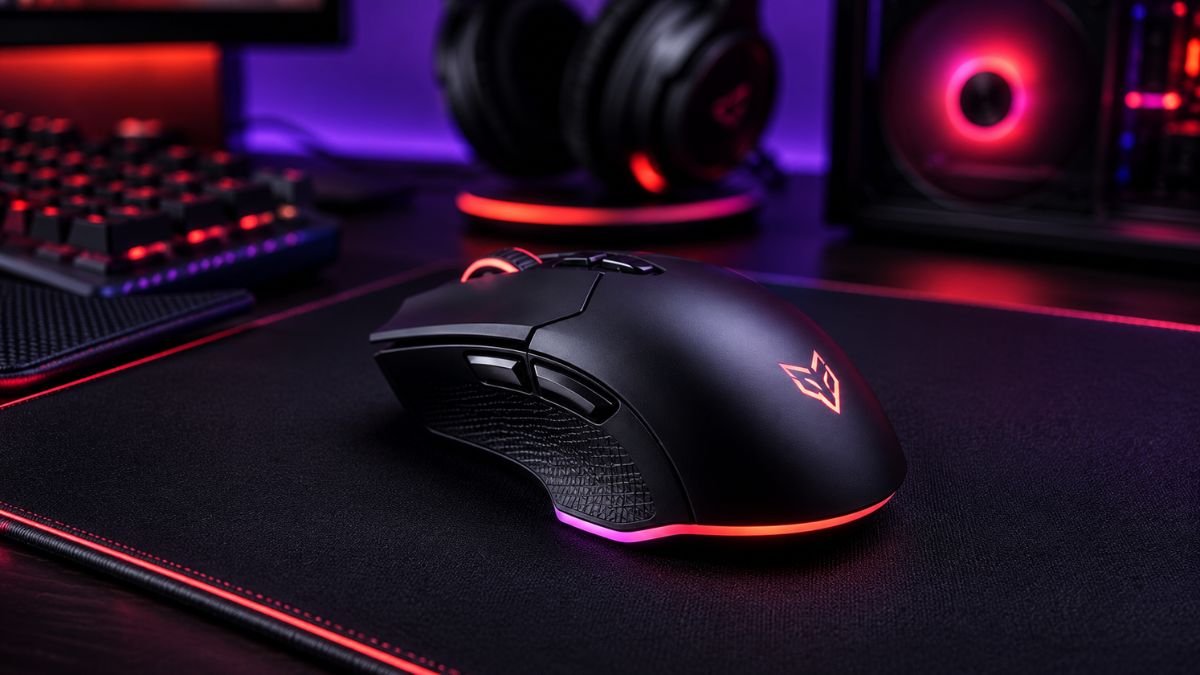
A gaming mouse guide helps players understand which features matter most for performance, comfort, and accuracy.
The best gaming mouse combines a reliable sensor, appropriate DPI range, low latency, ergonomic design, and programmable buttons that match the player’s preferred gaming style and genre.
Choosing a gaming mouse seems simple until you start comparing specifications. DPI ratings, polling rates, sensor types, wireless technologies, weight options, and programmable buttons can quickly make the buying process confusing.
The gaming accessories market continues to expand as competitive gaming and esports become more popular. According to the Statista Gaming Industry Data, gaming hardware remains one of the fastest-growing segments within the broader gaming ecosystem.
As a result, manufacturers release dozens of new gaming mouse models every year.
A gaming mouse directly affects aiming precision, reaction speed, comfort, and long-term performance. Whether you’re playing FPS titles, MMOs, MOBAs, or strategy games, selecting the right mouse can significantly improve your overall experience.
Understanding which features genuinely matter—and which are mostly marketing—can help you make a smarter purchase decision.
Why a Gaming Mouse Matters
A gaming mouse is more than just a pointing device.
It influences:
- Accuracy
- Speed
- Comfort
- Endurance
- Customization
- Competitive performance
Unlike standard office mice, gaming mice are specifically designed to deliver faster and more precise tracking.
A gaming mouse is a specialized computer mouse designed for high accuracy, low latency, customizable controls, and enhanced responsiveness during gaming.
Understanding Gaming Mouse Sensors
The sensor is the heart of every gaming mouse.
Optical Sensors
Most modern gaming mice use optical sensors.
Advantages include:
- Excellent tracking accuracy
- Reliable performance
- Reduced acceleration issues
- Consistent movement detection
Optical sensors dominate competitive gaming because of their precision.
Laser Sensors
Laser sensors offer:
- High DPI capabilities
- Operation on more surfaces
- Enhanced sensitivity
However, many professional players still prefer optical sensors due to their tracking consistency.
According to testing performed by RTINGS Mouse Reviews, modern premium optical sensors provide exceptional tracking accuracy suitable for virtually all gaming genres.
What Does DPI Actually Mean?
DPI stands for “Dots Per Inch.”
It measures how far the cursor moves relative to mouse movement.
Low DPI
Common range:
400–800 DPIOften preferred by:
- FPS players
- Esports professionals
- Precision-focused gamers
Medium DPI
Common range:
800–1600 DPISuitable for most players.
High DPI
Common range:
3200+ DPIUseful for:
- Multi-monitor setups
- High-resolution displays
- Specific productivity workflows
Common DPI Misconception
Many gamers assume higher DPI automatically means better performance.
In reality, sensor quality matters far more than extreme DPI numbers.
The best gaming mouse does not necessarily have the highest DPI. Sensor quality, tracking accuracy, and comfort have a much greater impact on gaming performance.
Wired vs Wireless Gaming Mice
Modern wireless gaming mice have improved dramatically.
Wired Gaming Mouse
Advantages:
- No battery management
- Consistent connection
- Often lower cost
Potential drawbacks:
- Cable drag
- Less flexibility
Wireless Gaming Mouse
Advantages:
- Cleaner setup
- Greater freedom of movement
- Improved aesthetics
Modern technologies from leading manufacturers now offer extremely low latency.
According to performance testing from Tom’s Hardware, many flagship wireless gaming mice perform nearly identically to wired alternatives.
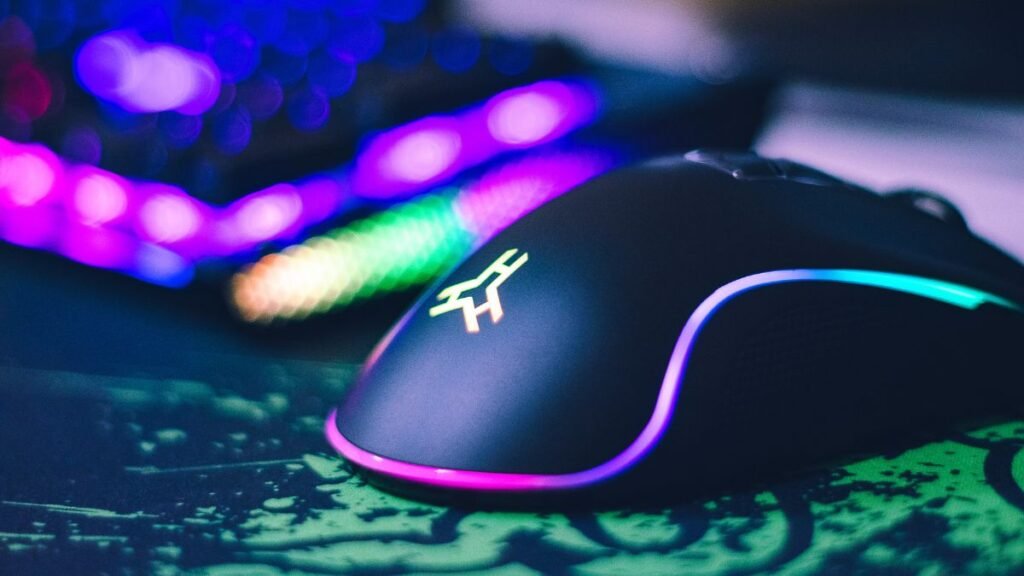
Gaming Mouse Weight Explained
Weight is one of the most personal aspects of mouse selection.
Lightweight Gaming Mice
Usually:
Under 70 gramsBenefits:
- Faster movement
- Reduced fatigue
- Popular among FPS players
Medium Weight Mice
Usually:
70–90 gramsBalanced option suitable for most gamers.
Heavy Gaming Mice
Usually:
90+ gramsPreferred by some users who enjoy additional stability.
Gaming Mouse Features Comparison
| Feature | Why It Matters | Priority |
|---|---|---|
| Sensor Quality | Accuracy and tracking | Very High |
| Ergonomics | Comfort during long sessions | Very High |
| DPI Adjustment | Sensitivity control | High |
| Polling Rate | Response speed | High |
| Programmable Buttons | Customization | Medium |
| RGB Lighting | Aesthetics | Low |
| Weight Customization | Personal preference | Medium |
This table highlights which features deserve the most attention when comparing models.
Understanding Polling Rate
Polling rate measures how often the mouse reports its position to the computer.
Common options include:
- 125 Hz
- 500 Hz
- 1000 Hz
- 4000 Hz
- 8000 Hz
What Does It Mean?
A 1000 Hz polling rate updates:
1000 times per secondThis reduces input delay and improves responsiveness.
Most gamers will find 1000 Hz more than sufficient.
A balanced gaming setup also depends on other important peripherals, including choosing the right gaming keyboard for your preferred play style and workflow.
Ergonomics and Grip Styles
Comfort becomes increasingly important during longer gaming sessions.
Palm Grip
Characteristics:
- Entire hand rests on the mouse
- Maximum comfort
- Popular among casual gamers
Claw Grip
Characteristics:
- Fingertips and palm contact
- Faster movement
- Popular among competitive players
Fingertip Grip
Characteristics:
- Minimal palm contact
- Maximum agility
- Requires greater control
When testing gaming mice, ergonomics often matter more than technical specifications.
Programmable Buttons and Macros
Additional buttons can improve efficiency.
Most useful for:
- MMO games
- Strategy games
- Productivity workflows
Examples include:
- Ability activations
- Push-to-talk commands
- Quick actions
- Media controls
However, FPS players often prefer simpler layouts.
Programmable buttons are most valuable for MMO and productivity users, while many FPS gamers prioritize simplicity and weight reduction.
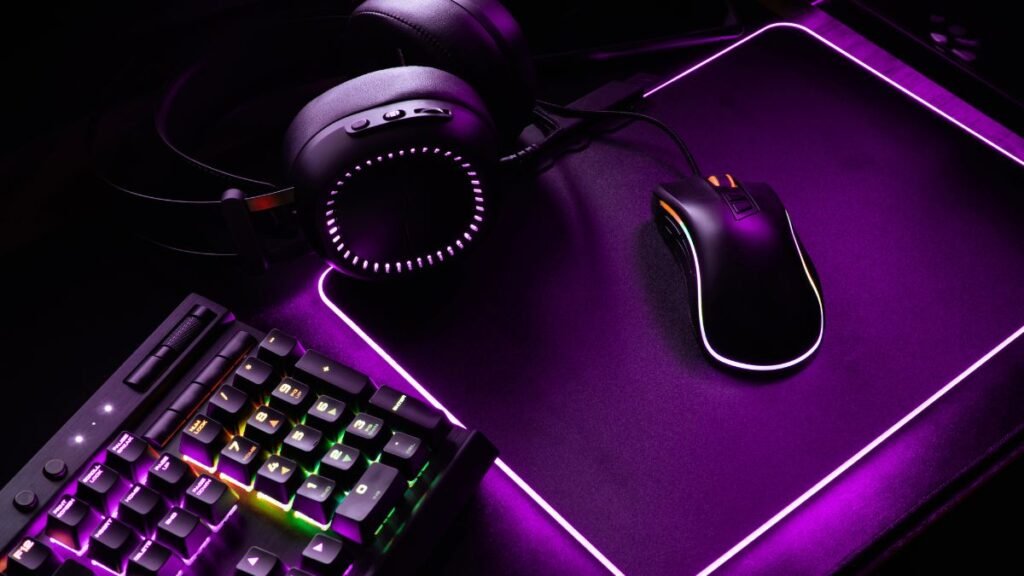
RGB Lighting: Useful or Just Cosmetic?
RGB lighting remains one of the most advertised gaming mouse features.
Benefits:
- Visual customization
- Setup synchronization
- Improved aesthetics
Limitations:
- No direct performance improvement
- Slightly increased power consumption on wireless models
RGB should be viewed as a bonus rather than a deciding factor.
Choosing a Gaming Mouse by Game Genre
FPS Games
Recommended features:
- Lightweight design
- Optical sensor
- Low latency
- Simple button layout
MMO Games
Recommended features:
- Multiple programmable buttons
- Comfortable shape
- Extensive customization
MOBA Games
Recommended features:
- Moderate button count
- Precise sensor
- Ergonomic design
Strategy Games
Recommended features:
- Comfortable grip
- Reliable tracking
- Programmable shortcuts
Different genres benefit from different priorities.
Common Mistakes When Buying a Gaming Mouse
Many buyers focus on the wrong specifications.
Mistake 1: Chasing Extreme DPI
Most players never use extremely high DPI settings.
Mistake 2: Ignoring Ergonomics
Comfort affects performance more than many technical features.
Mistake 3: Buying Based on RGB Alone
Appearance should not outweigh functionality.
Mistake 4: Choosing the Wrong Size
Hand size and grip style significantly affect comfort.
Future Gaming Mouse Trends
Gaming mouse technology continues evolving.
Emerging trends include:
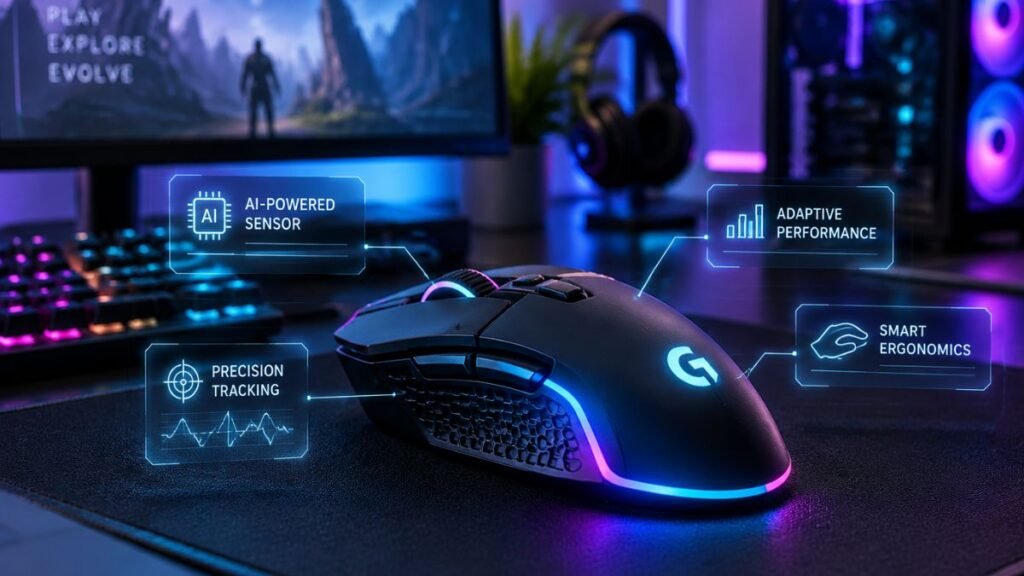
- AI-powered customization
- Advanced wireless technologies
- Higher polling rates
- Lightweight materials
- Improved battery efficiency
These developments reflect a wider movement toward future technology gadgets, where AI and smart systems are becoming part of everyday digital experiences.
According to research published by MIT Technology Review, artificial intelligence is increasingly influencing personalized user experiences across consumer technology products.
How to Choose the Right Gaming Mouse
Use this simple checklist:
A gaming mouse is only one part of a complete setup, and understanding other gaming setup accessories can help create a more comfortable and organized gaming environment.
- Identify your primary game genre.
- Determine your preferred grip style.
- Choose a comfortable size.
- Prioritize sensor quality.
- Decide between wired or wireless.
- Evaluate button requirements.
- Consider budget and long-term value.
Following these steps eliminates most common buying mistakes.
Conclusion
A gaming mouse is one of the most important gaming peripherals in any setup. While manufacturers often emphasize flashy features, the factors that matter most remain sensor quality, comfort, responsiveness, and ergonomics.
A great gaming experience also depends on how all components work together, from the mouse itself to other gaming setup accessories that improve comfort and organization.
Beyond the mouse itself, exploring other gaming gadgets can help improve comfort, immersion, and overall gaming performance.
The ideal gaming mouse depends on your preferred games, hand size, grip style, and personal preferences. FPS players may prioritize lightweight designs and precision, while MMO players often benefit from additional programmable buttons.
By focusing on practical performance features rather than marketing hype, you can choose a gaming mouse that improves both comfort and gameplay for years to come.
Frequently Asked Questions About Gaming Mice
What is the most important feature in a gaming mouse?
The sensor is generally the most important component because it determines tracking accuracy and responsiveness.
Is a wireless gaming mouse good for competitive gaming?
Yes. Modern wireless gaming mice offer extremely low latency and are widely used by professional players.
What DPI do professional gamers use?
Many professional FPS players use settings between 400 and 800 DPI because they prioritize precision and consistency.
Does RGB lighting improve gaming performance?
No. RGB lighting is primarily cosmetic and does not directly affect gameplay performance.
How long does a gaming mouse last?
A quality gaming mouse can last several years depending on usage, build quality, and switch durability.
Are lightweight gaming mice better?
Not necessarily. Lightweight mice are popular for FPS games, but comfort and personal preference remain more important.
What is a good polling rate for gaming?
A polling rate of 1000 Hz is considered excellent for most gaming scenarios and provides highly responsive performance.